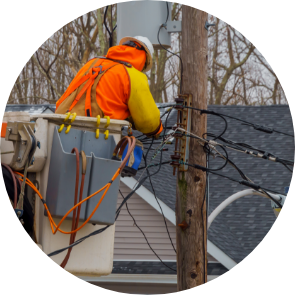

Outage Reporting
If Your Power Goes Out
First, check your fuses or breakers
Check to see if your neighbor has power
If you have determined that your home is out of power:
Report the outage in SmartHub.
Turn off or unplug any appliances you were using when the power went out.
Leave just 1 light on so you know when power is restored.
Disconnect sensitive electronics to avoid damage.
Obtain current outage information through the Outage Map.
Report an Outage
If you have any questions regarding MVEA’s outage reporting programs, call (800) 388-9881
SmartHub® Notifications
Enroll in MVEA’s SmartHub outage notifications today!
How to Enroll in SmartHub Outage Notifications
Step 1: Get Started
- If you don’t have a SmartHub account, create one by clicking HERE.
- If you already have an account, log in using the SmartHub website or the SmartHub mobile app.
Using a Desktop
- Log in to your SmartHub account.
- On the left side, click the Settings drop-down menu.
- Select Manage Notifications.
- Choose the notifications you want to receive, such as outage updates.
Using the Mobile App
- Log in to your account through the SmartHub app.
- Tap More at the bottom right corner.
- Go to Settings.
- Scroll down and tap Manage Notifications.
- Select the notifications you want to receive, including outage updates
How to Report an Outage in SmartHub
On a Desktop
- Log in to your SmartHub account.
- On the left menu, click Report Power Outage.
- Click Send to submit your report.
On the Mobile App
- Log in to your SmartHub account.
- Under the Home tab at the top, select Report an Issue/Inquiry.
- Tap Report Power Outage and click Send to complete your report.
Call Us!
To report an outage over the phone call (800) 388-9881.
Restoring Power
Restoring power during inclement weather or after a large accident can be a big job. MVEA maintains a 24-hour, 365 day-a-year on-call crews.
If you lose power, be assured we’re working as quickly and safely as possible to get your lights back on.